Tallyvane
Open menu
Online selling guide

How to print shipping labels at home (and what to do without a printer)

You can buy postage online, print the label on ordinary paper or a 4 × 6 label printer, tape it on and have USPS collect the parcel from your door for free. If you have no printer, USPS, UPS and FedEx all offer a QR code that a counter scans and prints for you.

3 min readUpdated Checked against 7 official sources

No printer? USPS prints your label free from a QR code

Key takeaways

  1. 1Buy postage online through USPS Click-N-Ship, your marketplace (eBay, Etsy) or shipping software; USPS says Click-N-Ship gives every user commercial prices.
  2. 2A home printer and plain paper work; a 4 × 6 label printer is faster once you ship every day.
  3. 3No printer: choose USPS Label Broker and the Post Office prints the label free from a QR code; UPS and FedEx apps offer QR codes too.
  4. 4Tape the label flat on the largest side and never tape over the barcode or the “Postal Use” area.
  5. 5USPS Package Pickup is free for prepaid parcels, however many you have.
In this guide
  1. Five steps, start to finish
  2. Where to buy the postage
  3. Printers, paper and label sizes
  4. No printer? Use a QR code
  5. Attaching the label correctly
  6. Weigh accurately, and get it collected
  7. Frequently asked questions

Five steps, start to finish

Printing a label at home takes a few minutes once you have a scale and a tape measure. The steps are the same whichever carrier you use.

  • 1. Pack the item, then weigh and measure the finished parcel. Round each side up to a whole inch.
  • 2. Buy the label online: in Click-N-Ship (USPS), from the order page on eBay or Etsy, on ups.com or fedex.com, or in shipping software. Enter the weight and size exactly.
  • 3. Print it on plain paper or a label sheet, or on a 4 × 6 label printer.
  • 4. Attach it flat to the largest side of the parcel and cover it with clear tape, keeping tape off the barcode.
  • 5. Schedule a free USPS pickup, or drop the parcel at a Post Office, UPS or FedEx location.
Free toolDimensional weight calculatorWork out the DIM weight and billable weight of a parcel, and whether size or weight sets the price.

Where to buy the postage

The place you buy the label decides the price and how much typing you do. All of the options below are free to use; you pay only for the postage.

  • If you are not sure which carrier is cheapest for a parcel, compare them first; our guide to USPS vs UPS vs FedEx prices five common parcels.
Checked November 10, 2026 on each company’s website
WhereCarriersGood for
USPS Click-N-Ship (usps.com)USPS: Ground Advantage, Priority Mail, Priority Mail ExpressOccasional parcels; commercial prices for everyone
eBay LabelsUSPS, UPS, FedExeBay orders; address and tracking filled in for you
Etsy shipping labelsUSPS, UPS, FedExEtsy orders; $100 USPS insurance included on main services
ups.com / fedex.comUPS / FedExHeavy parcels or business addresses
Shipping software (e.g. Pirate Ship, ShipStation)Several carriersOrders from several stores in one place

Printers, paper and label sizes

Any home printer works. Print on plain 8.5 × 11 inch paper, cut or fold to the label, and tape it on, or use self-adhesive label sheets so you can peel and stick. Etsy, for example, says labels must be printed on 8.5 × 11 white paper or adhesive sheets unless you use a 4 × 6 printer for USPS labels.

Once you ship most days, a 4 × 6 thermal label printer saves time: one label per sheet, no cutting and no taping over paper. eBay lets you choose 8.5 × 11, 4 × 6 or a 2 × 7 USPS format under Label preferences. Check that your printer setting matches the label size before you print a batch.

No printer? Use a QR code

You do not need a printer to send a parcel. Each carrier can turn your paid label into a QR code that a counter scans and prints.

Printer-free options
CarrierHow it worksCost
USPS Label BrokerIn Click-N-Ship choose “Print later at Post Office”; show the emailed QR code at the counter or a kioskFree printing
USPS printed labels by mailUSPS mails you physical labels$1.65 per label
UPSShow the mobile barcode from the UPS app at The UPS StoreCheck in store
FedExShow the QR code from the FedEx app at FedEx Office or a participating locationCheck in store
eBay LabelsChoose “QR Code” instead of printing and take it to a participating carrierIncluded in the label price

Attaching the label correctly

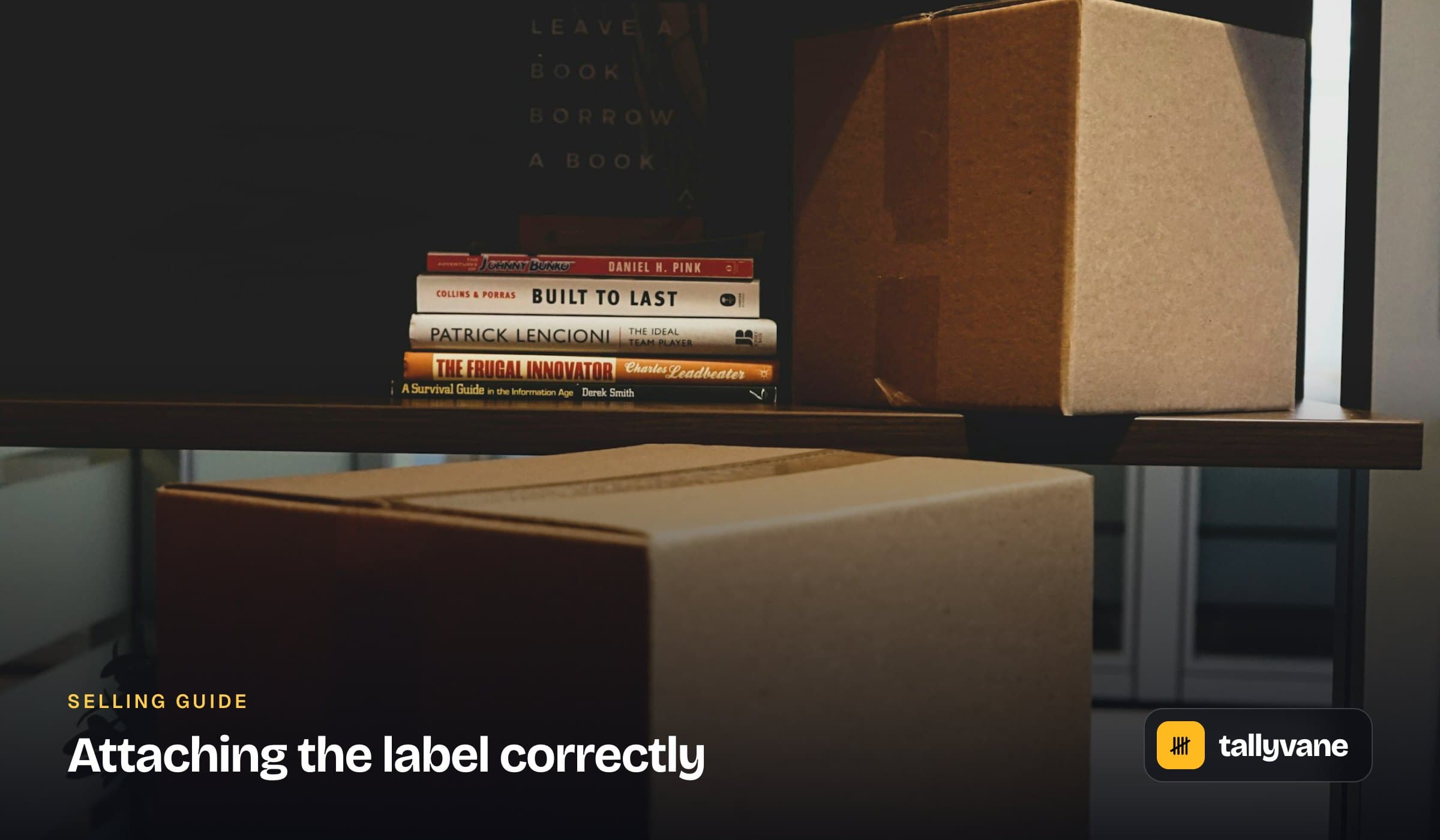
A badly attached label is a common reason for delays and postage corrections. USPS asks for a few simple things.

  • Put the label on the address side, flat, and not folded over an edge.
  • Use clear shipping tape on all four sides of a paper label, but do not tape over the barcode or the “Postal Use” area.
  • Never photocopy or reuse a label; each one is for a single parcel.
  • Remove or cover old labels and barcodes on a reused box.
  • Put a packing slip inside the box, not under the label.
Free toolPacking slip generatorMake a printable packing slip with SKUs, quantities ordered and shipped, and back-orders marked. No prices.
Attaching the label correctly

Weigh accurately, and get it collected

Online labels are checked. USPS’s Automated Package Verification credits or debits the account you paid from when the weight, size or service on the label does not match the parcel, and missing or wrong dimensions can add a fee. A kitchen or postal scale and a tape measure pay for themselves quickly.

USPS Package Pickup collects prepaid Priority Mail Express, Priority Mail, Ground Advantage and return parcels from your home or office for free, however many there are, and you can schedule it in advance on usps.com. Pickup on Demand, for a set time, costs a fee per trip.

Free toolDimensional weight calculatorWork out the DIM weight and billable weight of a parcel, and whether size or weight sets the price.
Frequently asked questions

Can I print a USPS shipping label at home?

Yes. Create a free usps.com account, buy the label in Click-N-Ship and print it on plain paper or a label printer. USPS says Click-N-Ship gives every user commercial prices.

How do I ship a package without a printer?

Use USPS Label Broker: choose “Print later at Post Office” when you buy the label and show the QR code at the counter, where it is printed free. UPS, FedEx and eBay offer QR codes too.

What size are shipping labels?

Most label printers use 4 × 6 inch labels. Home printers use 8.5 × 11 inch paper or label sheets. eBay also offers a 2 × 7 inch format for USPS.

Can I tape over a shipping label?

You can tape the edges of a paper label to hold it on, but USPS asks you not to tape over the barcode or the “Postal Use” area.

Is USPS pickup free?

Yes. Package Pickup is free for prepaid Priority Mail Express, Priority Mail, Ground Advantage and returns, whatever the number of parcels. Pickup on Demand at a set time costs extra.

Sources we checked

Updated November 10, 2026. General information, not financial, tax or legal advice. Rules change and differ by place; check with the official source or a qualified adviser before you act. How we check facts.

More guides

UPS bills a 3 lb item in a small box as 4 lbGuide

UPS dimensional weight: Daily vs Retail divisors and the size surcharges

UPS can apply dimensional weight to any parcel, of any size. It divides the box size by 139 on Daily Rates and by 166 on Retail Rates, and charges for whichever is greater, the dimensional or the actual weight. Big boxes also trigger Additional Handling and Large Package rules with minimum billable weights.

Read the guide
Most parcels already have $100 of cover. When to buy moreGuide

Shipping insurance explained: what is included and when to buy more

Most parcels already carry $100 of cover: USPS includes insurance on Priority Mail and Ground Advantage, and UPS and FedEx include $100 of declared value. Extra cover is worth buying for items worth more than that, especially where marketplace protection stops. Third-party cover is usually cheaper than the carrier’s own.

Read the guide
At 50 orders a month, software costs 30¢ an orderGuide

Do you need shipping software? A simple test by order volume

You do not need paid shipping software to get discounted postage; free tools already give you commercial USPS prices. You need it when shipping starts eating hours: several sales channels, many orders a day, more than one person packing, or carriers the free tools do not cover.

Read the guide
Same 2.4 lb box: $12.12 with USPS, $33.53 with UPSGuide

How to calculate shipping costs, and what to charge your customers

A shipping label is priced from four things: the billable weight, the zone, the service and the surcharges. Work them out in order and you can price any parcel before you buy the label, then decide how much of that cost your customer sees.

Read the guide
Pirate Ship is free. ShipStation starts at $14.99Guide

ShipStation vs Pirate Ship: which one should a small seller use?

Pirate Ship is free and covers USPS and UPS, which is all many small sellers need. ShipStation costs from $14.99 a month and earns it with FedEx and other carriers, automation rules, extra users and tools for returns and inventory. Here is where the line falls.

Read the guide
Venmo business saves $5.35 on a $500 saleGuide

Venmo business fees: what sellers pay in 2026

Venmo charges sellers a fee on every sale and a second fee if you want the money in your bank straight away. Which account you sell from, and how you cash out, decides how much of each payment you keep.

Read the guide

Free tools in this guide